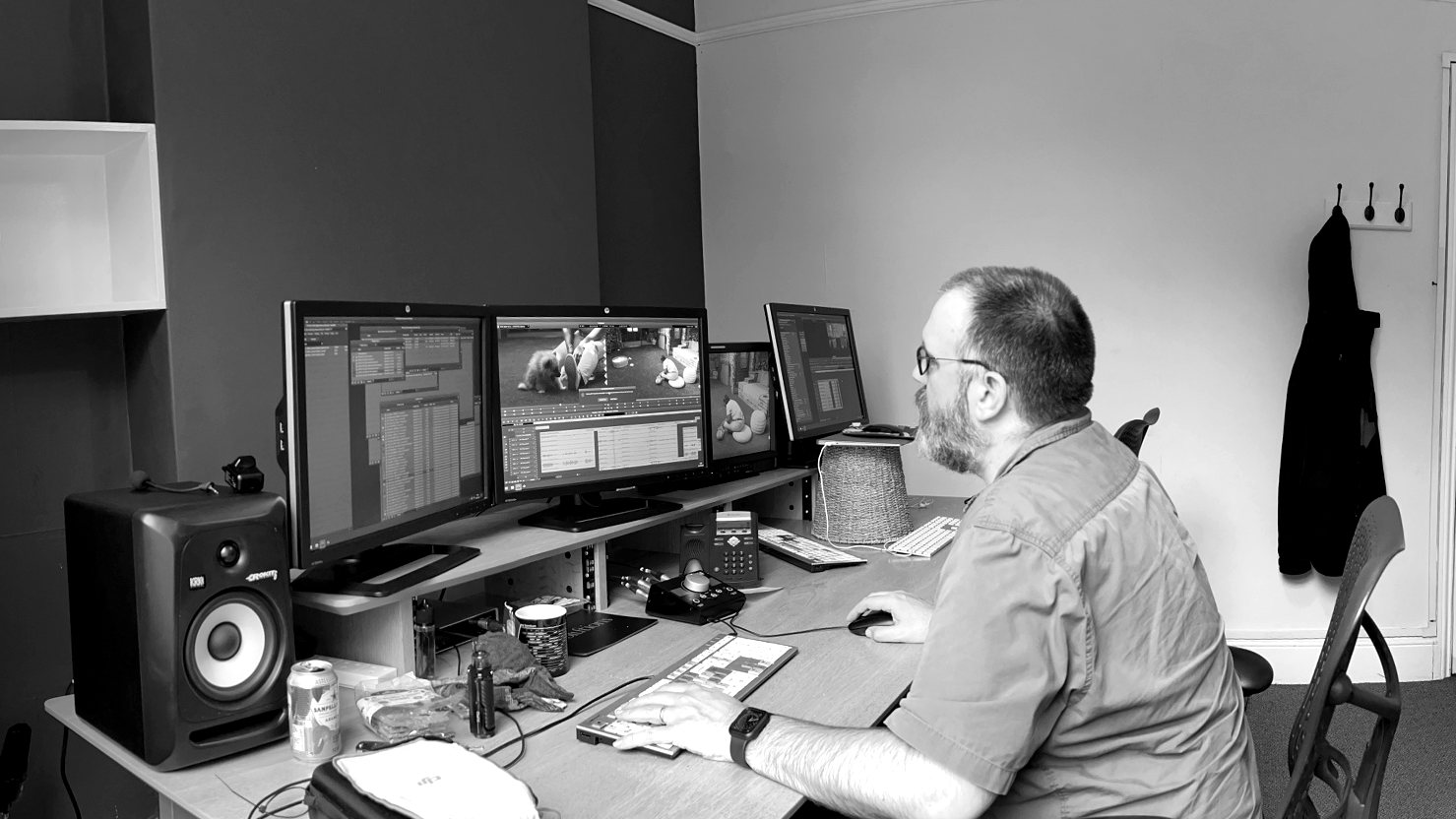
I've cut on Avid for more than 25 years. I started on it.
It has had AI for a while. PhraseFind AI transcribes the dialogue in your bins and lets you search for a spoken phrase. Avid previewed it in 2023, and shipped it fully later that year. When it works, it is great. It is not the most robust. I once watched a grown tech support person set it up on two machines that share the same database. They ended up in tears.
Avid will also take AI from outside the suite. I tested Quickture on a BBC job, and I wrote about that in an earlier note.
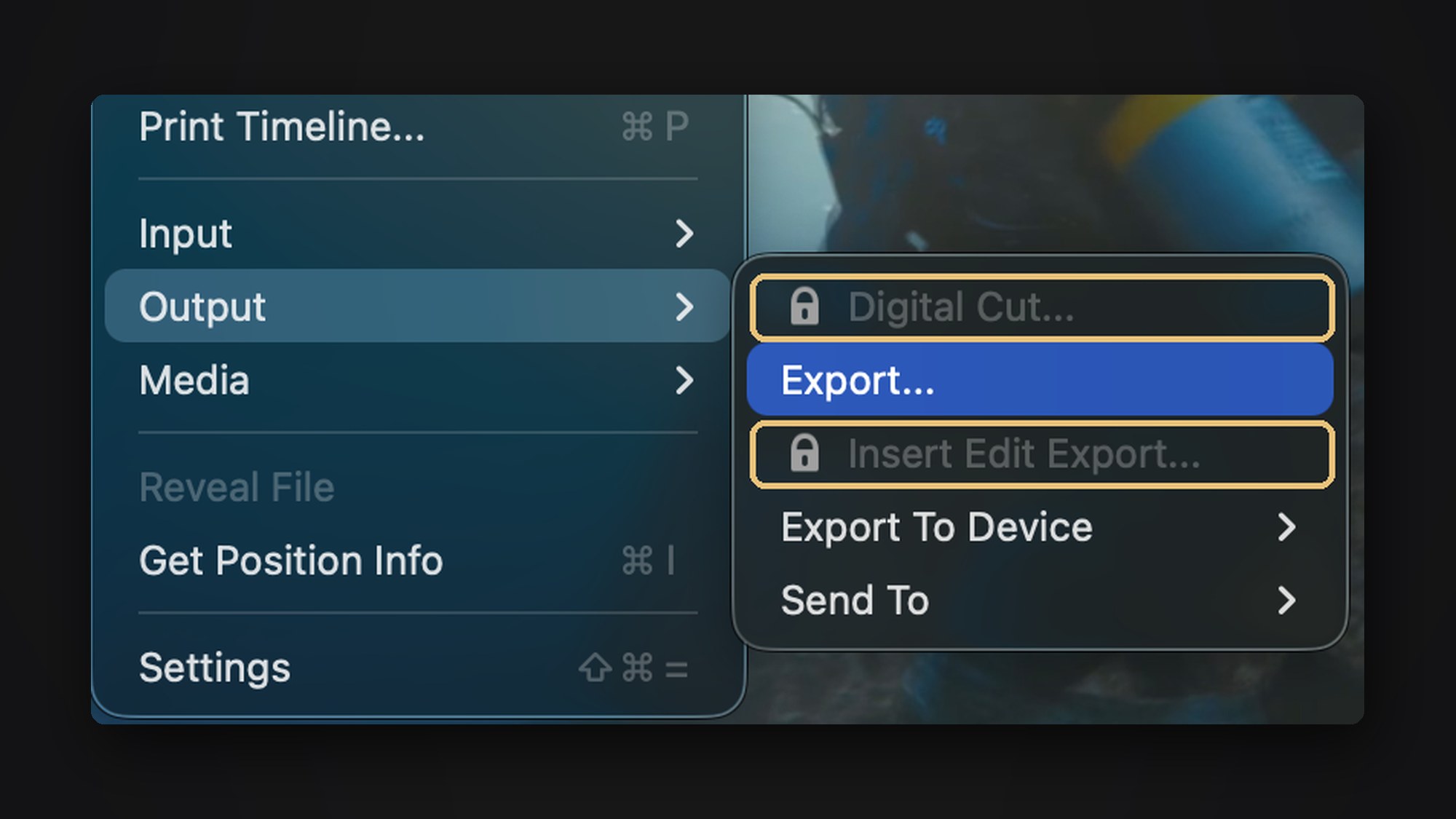
What's new is that the generative models are now built in. Last Tuesday, two things arrived on the same day. Adobe opened MAX in Miami Beach and put a new wave of AI into Premiere: a Creative Agent, generative video and audio in the timeline, tools to clean and separate sound, and a beta that can remove a boom mic from a shot. The same day, Avid released Ready to Play, an optional extension for Media Composer, built with Google's Gemini and Veo models.
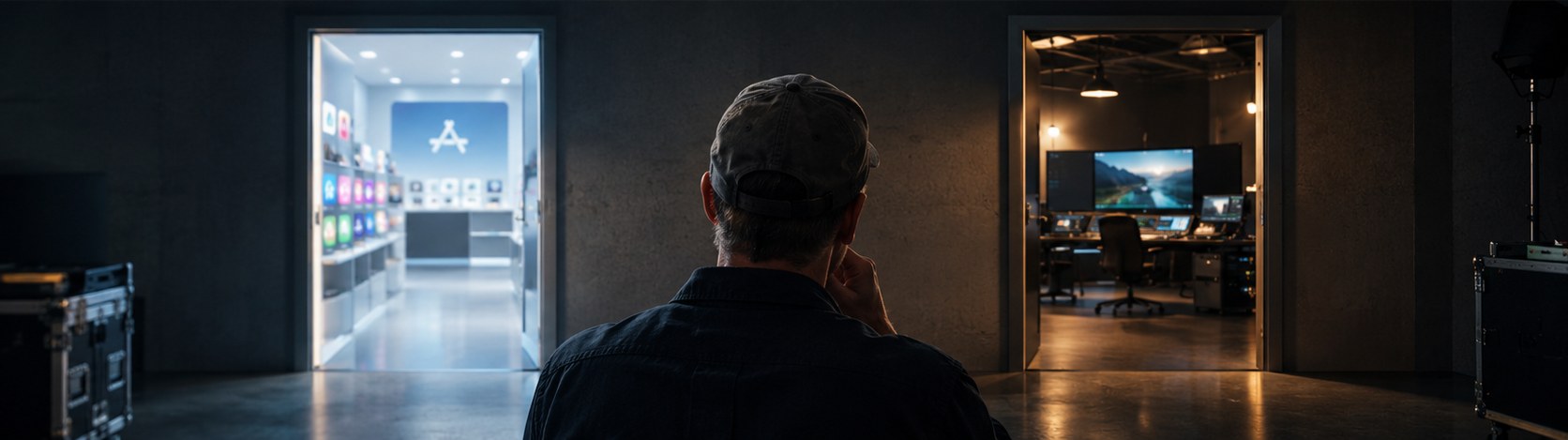
That, to me, is the story. Not that AI arrived in post, or even that it arrived in Avid. It is that the machine I learned the job on now has Google's models inside it, without leaving the suite.
What's actually in it
Ready to Play does three things, all inside Media Composer.
Create Video will generate a clip from a text prompt or a still, and drop the result into a bin. Avid's own examples are temporary B-roll, a way to try a shot before it is filmed, or a placeholder while graphics or VFX are still being made.

Modify Video lets you explore a change to a shot (taking a boom mic out is the example they used) without touching the original media.
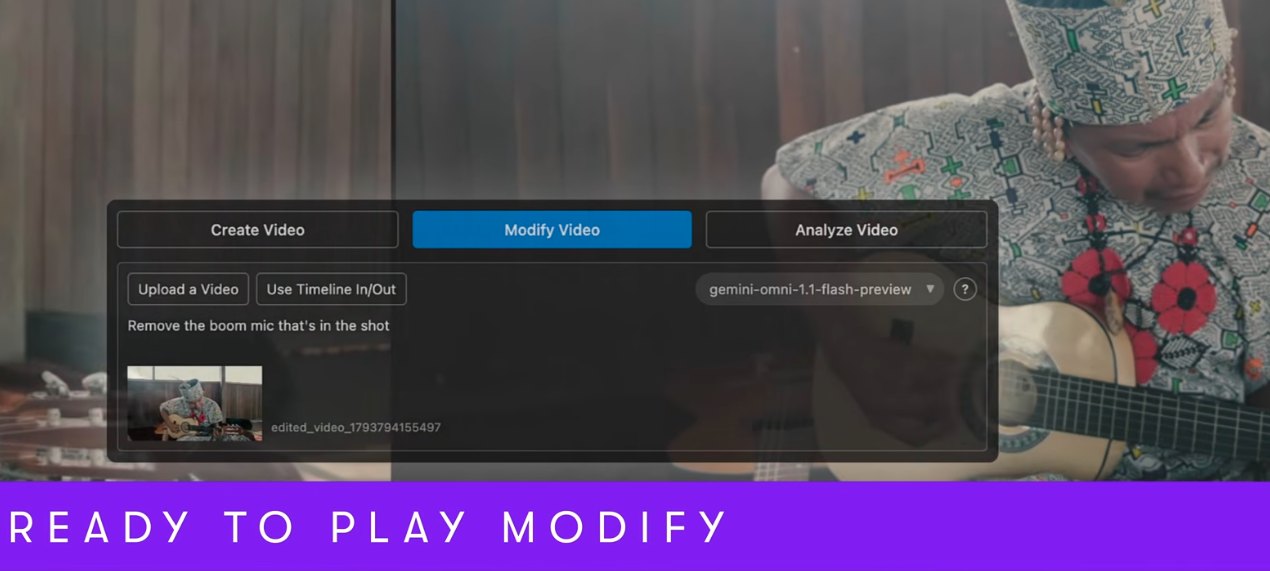
Analyze Video writes descriptions into clip metadata, which is useful when the rushes have not been logged.
It is free from Avid if you are on Media Composer Ultimate or Enterprise, version 2026.8 or later. It is not in First, and it is not in Standard. Google bills you for the models. The new media lands as a separate output. The original stays put. That matters.
Ready to Play will generate a temporary shot, or try a visual change. Avid is careful to call that a dress rehearsal, not the finished picture. It is not the same as handing over the timeline.
Avid says this is the first of a series. Ready to Edit, which they previewed at IBC in September, is meant to help with preparation and organisation before you start cutting.
What the editors actually said
Variety picked up the numbers on Friday. Avid, working with American Cinema Editors, had already surveyed 120 ACE members in the second quarter of this year. 93 of them, 77.5%, already use AI in the work.
How they use it is the part worth sitting with. 60% use it for transcription, 55% for audio cleanup, 39.2% for search. When they were asked to name the single capability that would make the biggest difference, 81.7% chose one of the jobs around the edit: cleanup, transcripts, finding shots, tagging, organisation. Rough cut or assembly assistance drew 7.5%.
Matt Feury, Avid's vice president of artist relations, who helped lead the survey, put it simply: "Nobody grows up saying 'I dream of sinking dailies one day.'"
Molly Shock, an Emmy-nominated editor and ACE member, told Variety what that looks like on MasterChef. In past seasons, finding a shot of a contestant looking at a clock could take hours, across "thousands and thousands of hours" of footage. This season, with AI search in the room for the first time, they found several examples in seconds. Some days, she said, half a day's work dropped to 15 minutes.
Her line is the one I will keep. "I wouldn't say I'm more efficient. It just gives me more time to do the really fun part of editing, the real creative stuff."
Almost all of the daily and weekly users, 97.6%, agreed that AI should enhance creative intent, not replace it. Nearly half of everyone surveyed, 49.2%, named ethics, copyright or security as the biggest barrier to using it. That was more than three times the next answer.
Where I land
This is why the Avid news is a big moment for me. Not because Media Composer is about to cut the programme. Because the software I learned the job on now has this built in, and it is aimed at what these editors have already decided they want: the chores, not the cut.
Avid's own report makes the next choice plain. 75.8% of the editors said the best use of AI in post is to give them more time for storytelling and creative decisions. If productions take those hours back and shorten the schedule, we will just be faster, and thinner. If they leave them in the room, the cut can be better. That is not a technical decision.
The tools arrived from every direction last week. The cut, if these editors have their way, is still ours.
Sources: Corbin Bolies, Variety, 13 November 2026 · Avid, "How Film and TV Editors Are Using AI in Post-Production" ("Everything But the Cut"), 16 October 2026 · Avid, "AI in Post: By the Numbers" · Avid, Ready to Play press release, 10 November 2026 · Avid, PhraseFind AI and ScriptSync AI press release, 31 August 2023 · Avid, Media Composer PhraseFind Option · Adobe newsroom, 10 November 2026 · Adobe Creative Cloud blog, 10 November 2026 · Avid, "Introducing Ready to Play for Avid Media Composer"